
Book it. Just like that.
Choose your screen, set your dates, and purchase your placement in a few simple steps. No complicated media buying.
From custom kiosk installation to advertising on your own screens. Upload a video or create one with paid AI generation, then schedule and manage your campaigns in SwiftAd.
Indoor & outdoor screens. One creator platform.
A WINDOW INTO YOUR NEXT CAMPAIGN
From the first coffee to the last commute. Explore the worlds your brand could be part of.
LESS FRICTION. MORE REACH.
Choose your screen, set your dates, and purchase your placement in a few simple steps. No complicated media buying.
We plan to support almost every major credit and debit card, so paying for your next placement feels familiar and effortless.
Built for marketing teams to manage ads across worldwide locations in one workspace, wherever they work.
The next run should be just as easy. Resume a finished ad with new dates, without rebuilding your campaign from scratch.
Our planned booking experience. Accepted cards, international screen coverage, and campaign resumption depend on rollout and availability.
Your workspace for video advertising: upload your content, create an ad with paid AI generation, and manage campaigns from preparation to screen delivery.
Choose campaign dates and airtime, organize your content, and track campaign status from one panel.
Make your next move →Meet people in the spaces that make up their day. A coffee, a commute, a lift home. Your next customer is already there.
MEET YOUR NEXT AUDIENCE
Meet people in the spaces that make up their day. A coffee, a commute, a lift home. Your next customer is already there.
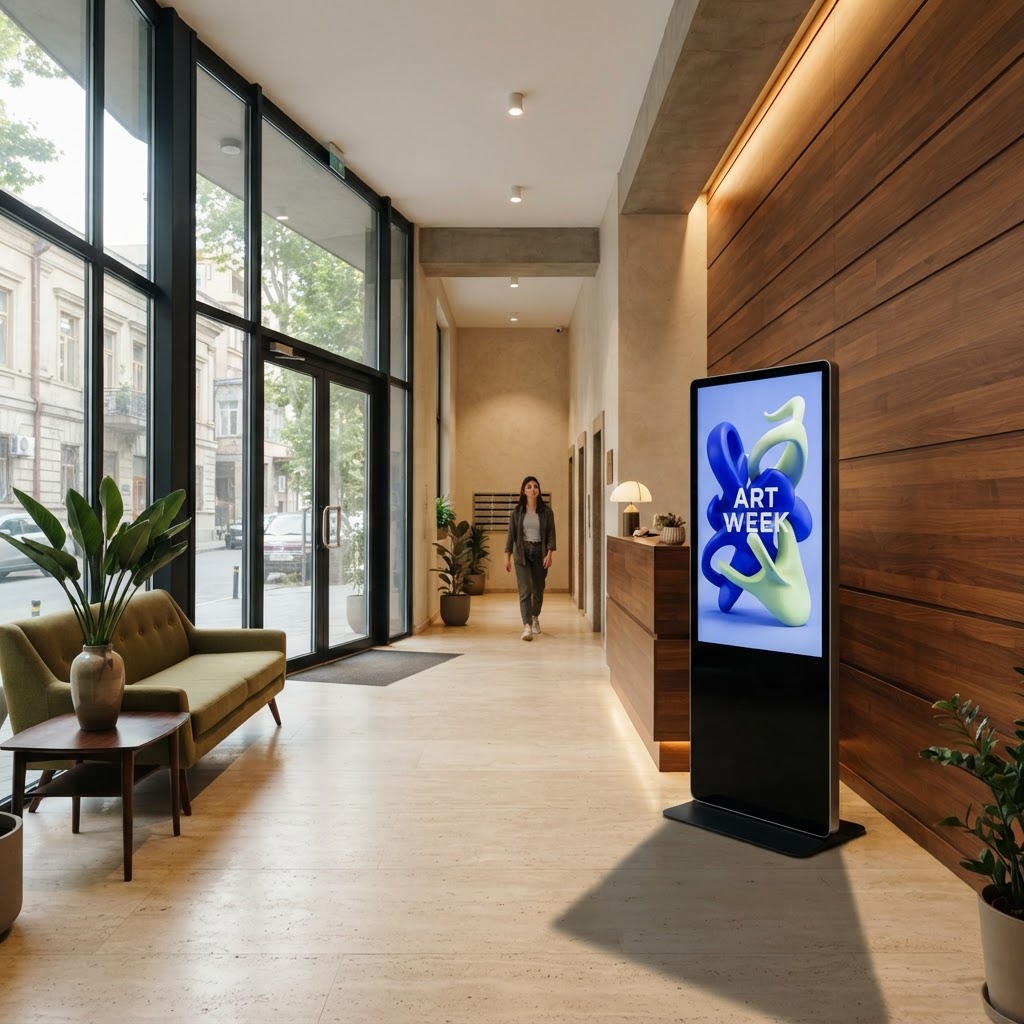
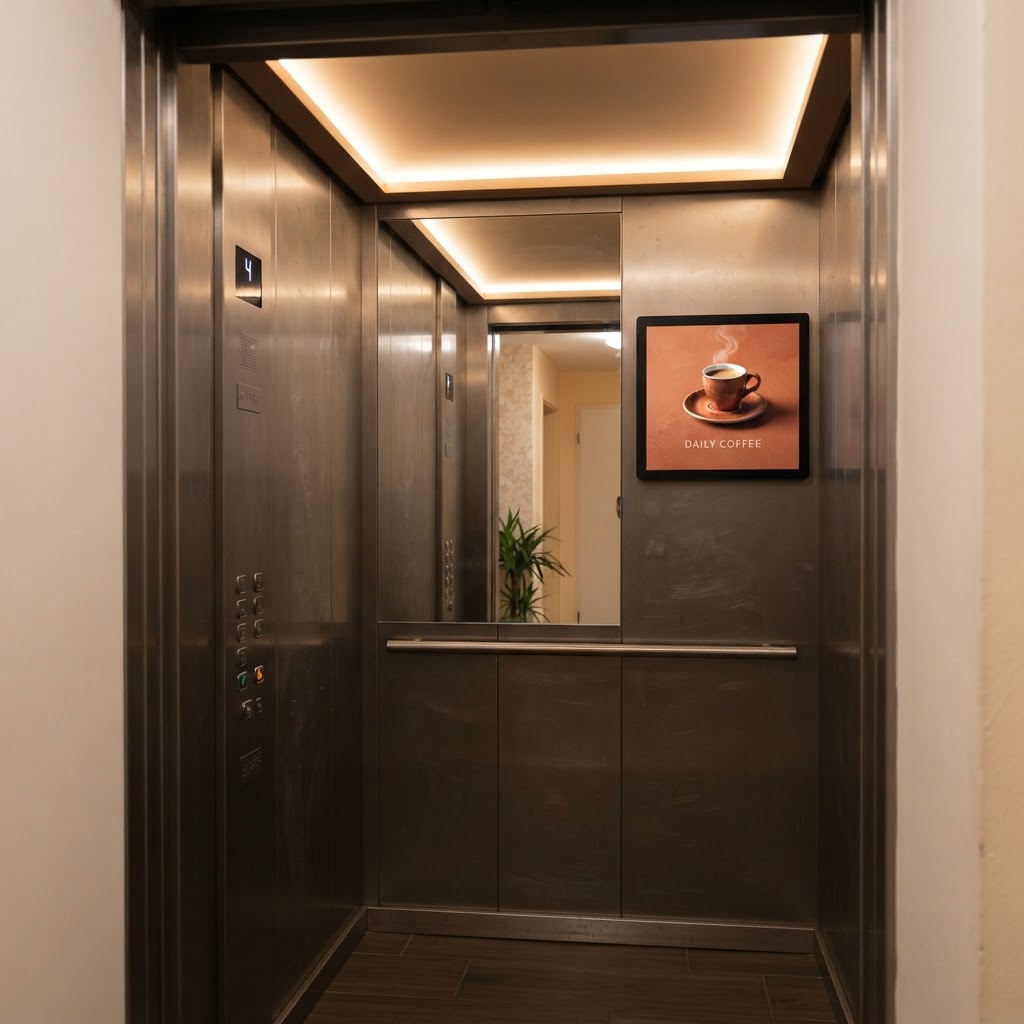
View all locationsElevators & residencesIndoor and outdoor installations, different sizes, and custom designs.
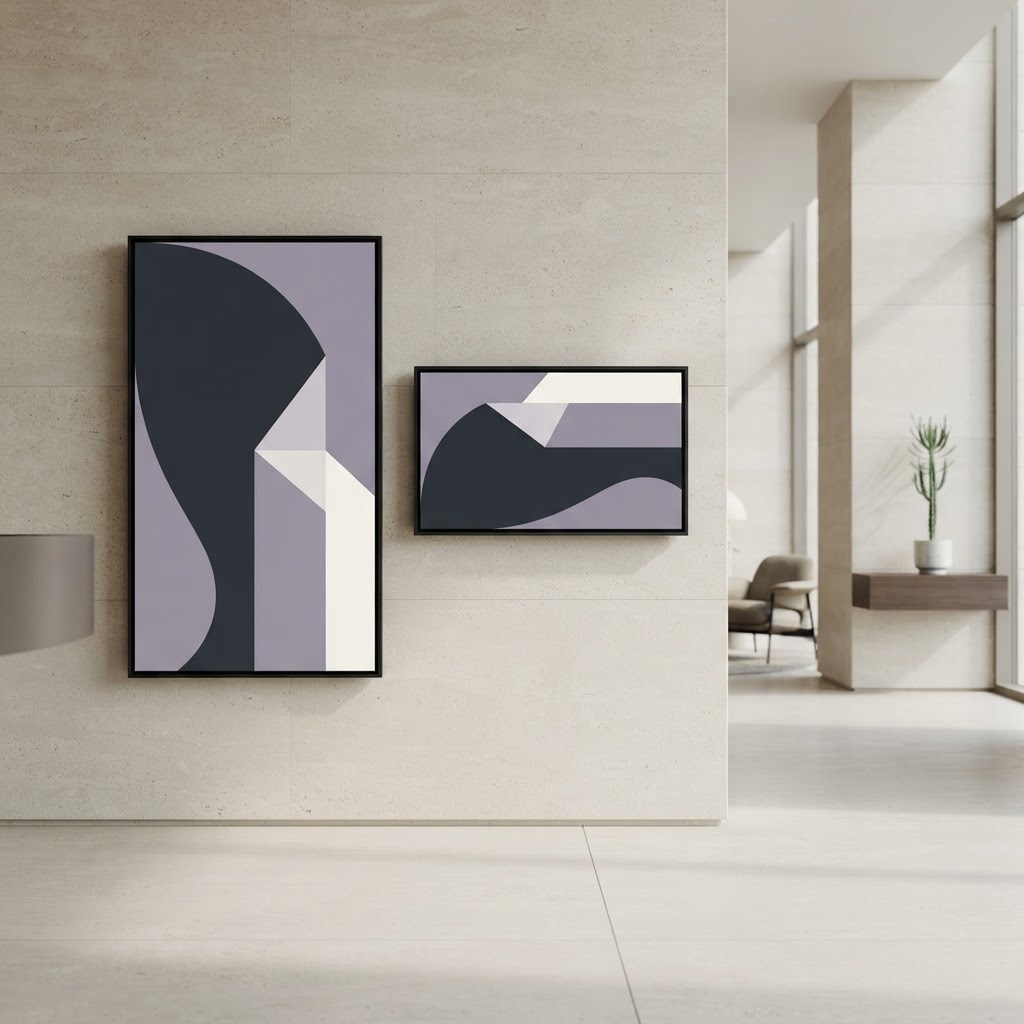
Explore these spaces →Building hallsStream content from SwiftAd to your existing compatible screens, without replacing them with our kiosks.
Explore these spaces →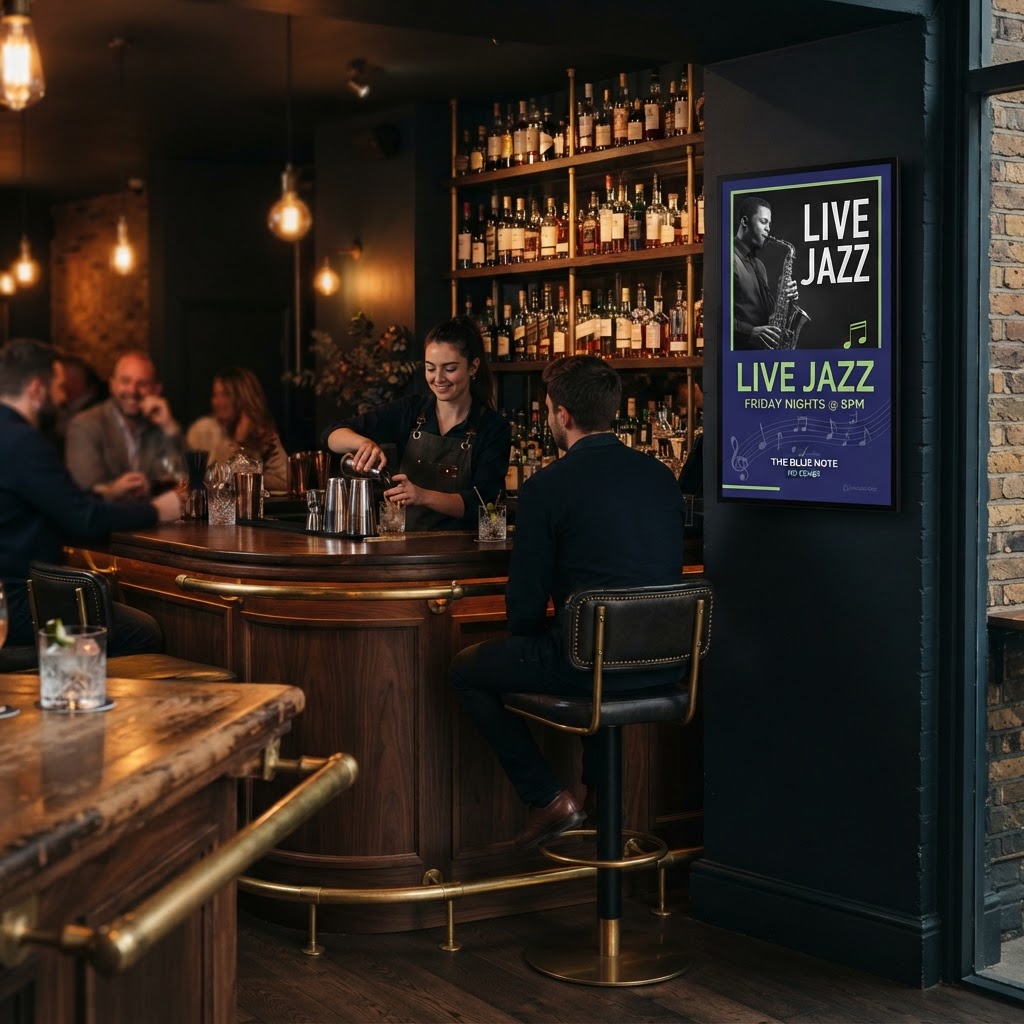 Bars
BarsBrowse the spaces where your next campaign could come to life.
Explore these spaces →We can predict estimated views based on a screen’s location. These are forecasts, not verified audience counts, and actual views may vary. Spaces and advertisements shown are AI-generated illustrations; confirm actual locations and availability in the app.
FROM IDEA TO IMPACT
No complicated media buying. Just a clear path from your creative to a real-world screen.
Upload an image or video and preview your next campaign.
Illustrative product preview
SWIFTAD · AI TO REAL-WORLD SCREENS
Describe your idea and create an ad with paid AI video generation. Choose a kiosk and submit your campaign for review and scheduled delivery.
One idea. AI creates it. SwiftAd takes it outside.
6-second AI-generated concept, not a live product recording. The under-one-minute workflow is illustrative; actual screen delivery depends on approval, payment, and availability.
THE CREATOR PANEL
Your workspace for video advertising: upload your content, create an ad with paid AI generation, and manage campaigns from preparation to screen delivery.
Good ideas, out in the world.
Example interface · sample data
Bring your finished video, choose a screen, and submit it for moderation and placement.
Turn your idea into a video ad inside SwiftAd, then use it in your campaign. AI generation is a paid service.
Choose campaign dates and airtime, organize your content, and track campaign status from one panel.
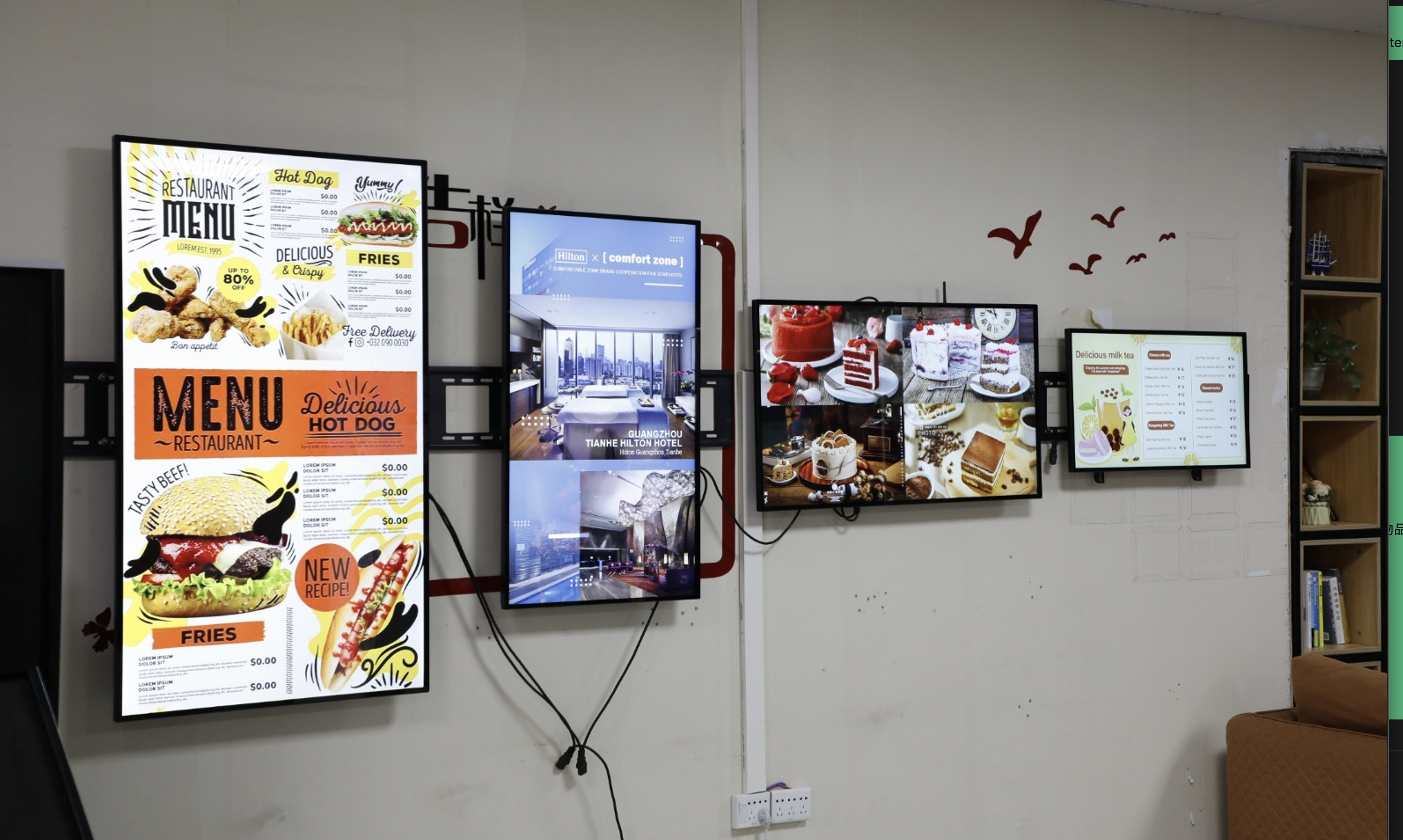
KIOSKS & SCREEN INSTALLATION
We install indoor and outdoor advertising kiosks in different sizes, with portrait or landscape screens and custom enclosures designed for your space.
Screen compatibility, installation requirements, and custom design are agreed individually.
BUILT FOR THE WORLD OUTSIDE
SwiftAd brings together screen installation, content streaming, and a creator panel. From your first video to a scheduled campaign, everything connects to real-world screens.
Indoor and outdoor installations, different sizes, and custom designs.
Stream content from SwiftAd to your existing compatible screens, without replacing them with our kiosks.
Video content is reviewed with automated checks and manual moderation before publication, according to content and venue rules.
A LITTLE MORE CLARITY
Everything you need to take the first step.
Still curious? Let’s talkSwiftAd offers indoor and outdoor kiosk installation, custom screen enclosures, streaming to compatible existing monitors, and a creator panel for video advertising and campaign management.
We offer different sizes, landscape and portrait layouts, and custom enclosures, such as a large iPhone-style structure with a monitor inside. Indoor and outdoor requirements are agreed for each installation. Confirm actual locations and availability in the app.
Upload a finished video or create one using paid AI video generation inside SwiftAd. Choose your screen, dates, and airtime, then submit the campaign for moderation and scheduled placement.
You can prepare a campaign in a few simple steps. Publishing depends on payment, content approval, available inventory, and your chosen dates. Submission does not mean your ad is immediately live.
Yes. Choose the individual screen that fits your campaign. To appear in several locations, create bookings for those screens. Availability and venue content rules apply.
The platform brings campaigns, creatives, and delivery information into one place, making it easier to organize campaigns for different projects and brands.
Yes. SwiftAd can stream content directly to compatible third-party monitors. Share your monitor and connection details so compatibility and setup requirements can be confirmed.
No. AI video generation is a paid service. Campaign placement depends on the selected screen, dates, and daily airtime; kiosk installation and custom design are quoted individually. This website does not display live prices.
Campaign reporting focuses on completed screen plays and delivery against your booking. Screen plays are not the same as measured audience views or guaranteed sales.
Choose “Get started” to open the application, or explore the network first. If you own a venue, choose “Become a partner” to begin the conversation.
Bring your finished video, choose a screen, and submit it for moderation and placement.
Create an ad →We install indoor and outdoor advertising kiosks in different sizes, with portrait or landscape screens and custom enclosures designed for your space.
Become a partner →